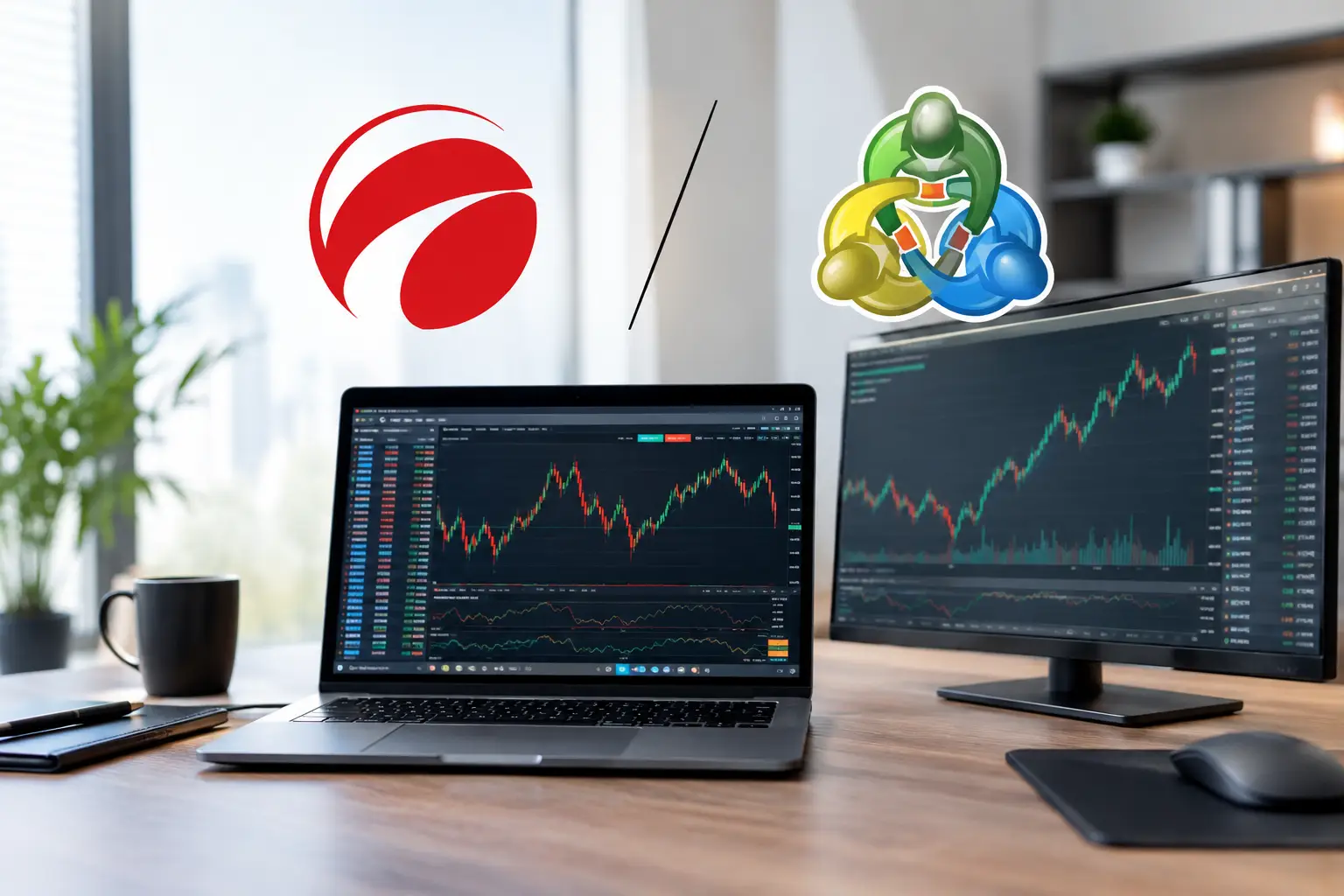
A fast-moving gold chart can expose a platform preference in minutes. One trader wants a clean order ticket and depth-of-market view before a news release. Another wants an Expert Advisor to manage entries while they are away from the screen. That is why comparing cTrader versus MetaTrader features is less about naming a winner and more about matching the platform to how you actually trade.
For forex and CFD traders, both platforms can handle the essentials: charts, indicators, pending orders, mobile access, and trade history. The difference sits in the trading experience, automation language, market-depth tools, customization, and the specific version offered by your broker. MetaTrader is not one single platform, either. MetaTrader 4 (MT4) and MetaTrader 5 (MT5) share a familiar look but have meaningful differences.
cTrader Versus MetaTrader Features at a Glance
cTrader is often favored by traders who want a modern interface, transparent order-management tools, and a more visual workspace. MetaTrader remains the market standard for traders who value broad broker availability, a huge ecosystem of indicators and trading robots, and years of community-built resources.
The practical comparison looks like this:
| Feature area | cTrader | MetaTrader 4 and 5 | |—|—|—| | Interface | Modern, clean, and highly visual | Familiar, functional, and more traditional | | Automation | cBots using C# | Expert Advisors using MQL4 or MQL5 | | Market depth | Strong native depth-of-market display | Available, especially in MT5, but broker setup matters | | Custom tools | Smaller but growing ecosystem | Very large library of EAs, indicators, and scripts | | Broker availability | Available through selected brokers | Widely supported across forex brokers | | Charting workflow | Convenient multi-chart and order tools | Highly customizable, with more add-ons available |
A feature only matters if your broker supports it properly. Spreads, execution quality, symbols, leverage, commissions, and account types are set by the broker, not by cTrader or MetaTrader alone. Do not assume that a platform’s attractive interface automatically means better fills or lower trading costs.
Charting and Daily Trading Workflow
cTrader makes a strong first impression because it feels intuitive. Charts are clean, watchlists are easy to organize, and the order panel is positioned for active decision-making. Traders can place orders from the chart, view open positions clearly, and use detachable charts to build a multi-monitor layout. For someone transitioning from a web-based trading app, cTrader can feel easier to learn.
Its charting tools are practical for price-action traders. If your process involves marking support and resistance, tracking a trend with moving averages, then entering from a breakout or pullback, the workflow is straightforward. The platform also provides multiple chart types and timeframes, with a visual layout that reduces clutter during busy sessions.
MetaTrader’s charts may look more dated, particularly in MT4, but familiarity has value. Many traders have used its layout for years. It supports extensive chart customization, templates, profiles, and custom indicators. If you follow a strategy built around a specific RSI variation, session indicator, or supply-and-demand tool, there is a good chance it was developed first for MetaTrader.
MT5 improves considerably on MT4 in areas such as timeframes, built-in indicators, and chart-management options. Still, traders should not choose MT5 simply because the number is higher. An MT4-only EA or indicator does not automatically work on MT5. The programming languages are related but not interchangeable.
Order Execution, Depth of Market, and Position Control
For scalpers and intraday traders, order management is where cTrader often stands out. Its depth-of-market feature is prominent and easier to interpret than on many competing platforms. Depending on the broker’s liquidity setup, traders may see available price levels and volumes, which can be useful when assessing conditions around active instruments such as EUR/USD, GBP/USD, or gold.
There is a critical caveat: depth of market is not a crystal ball. It reflects the liquidity information your broker provides, not the complete global forex market. In fast conditions, displayed liquidity can change quickly. Use it as context, not as a standalone entry signal.
cTrader also provides useful position controls, including partial closes, multiple take-profit levels, and stop-loss adjustments from a visual interface. These tools can help traders plan risk before clicking buy or sell. For a trader who tends to manage positions manually, this convenience is meaningful.
MetaTrader supports market orders, limit orders, stop orders, stop-losses, take-profits, and trailing stops. MT5 offers more advanced order types and a more flexible account structure than MT4. However, MT4 remains common among forex traders because it is simple, lightweight, and supported by a large number of brokers.
The key distinction is account mode. MT5 can operate with netting or hedging, depending on the broker and account. Netting combines positions in the same instrument, while hedging allows separate buy and sell positions. For traders running multiple setups on the same pair, this detail can affect how you manage trades and measure risk.
Automation: cBots Versus Expert Advisors
Automation is one of the biggest reasons traders stay loyal to MetaTrader. Its Expert Advisors, commonly called EAs, can scan markets, send alerts, place trades, and manage positions according to programmed rules. The MetaTrader ecosystem contains a massive range of free and paid EAs, scripts, and indicators. That volume creates opportunity, but it also creates noise.
A glossy backtest or a high win-rate claim is not proof that an EA is safe. Check drawdown, test results across different market conditions, spread sensitivity, news-event behavior, and whether the strategy relies on risky recovery methods. If an EA cannot explain where losses come from, it does not deserve live capital.
cTrader supports automation through cBots and uses C#, a widely used programming language. This can appeal to traders or developers who prefer a more mainstream coding environment. cTrader’s backtesting and optimization tools are capable, and its interface makes it easier to inspect results than some older platform workflows.
For non-programmers, though, MetaTrader still has the advantage in available ready-made tools. There are simply more tutorials, code examples, communities, and third-party developers focused on MT4 and MT5. cTrader is a sensible choice for custom development, but MetaTrader may be easier if your chosen strategy already relies on a specific EA.
Mobile Trading and Platform Access
Both cTrader and MetaTrader offer desktop, web, and mobile access. Mobile apps are valuable for monitoring open positions, receiving alerts, and reacting to unexpected volatility after major central-bank decisions or U.S. inflation data. They are less ideal for building a full technical plan from scratch.
cTrader’s mobile experience generally carries over the clean design of its desktop platform. MetaTrader’s mobile apps are dependable and widely used, though the smaller screen can make advanced chart analysis feel more limited. This is not a platform weakness so much as a trading-discipline issue. A phone is excellent for protecting risk; it is not always the best place to chase a sudden candle.
Before opening an account, test the broker’s demo version on the actual device you use. Check whether the symbols, chart data, order types, and notifications meet your needs. A platform can look impressive in a review but feel awkward during your normal trading hours.
Which Platform Fits Your Trading Style?
Choose cTrader if you value a cleaner interface, visual order management, native depth-of-market tools, and the option to automate strategies with C#. It can be particularly appealing for discretionary day traders who want to see positions, orders, and charts without digging through multiple windows.
Choose MetaTrader if broker choice, existing EAs, custom indicators, and community resources matter most. MT4 is still relevant for traders using established forex tools, while MT5 is generally the better choice for traders who want more markets, additional timeframes, and newer platform functionality.
There is also a practical third option: use both. Some traders analyze and execute manually on cTrader while keeping MetaTrader for a specialized indicator or automated system. The risk is fragmentation. If you use multiple platforms, keep one trading journal, one risk limit, and one clear record of total exposure across accounts.
A better platform will not fix oversized lots, a missing stop-loss, or a strategy that has never been tested. Start with the platform that makes your rules easier to follow, then spend your energy on risk management and consistent execution. That is where a trading setup becomes a repeatable process rather than another chart full of buttons.