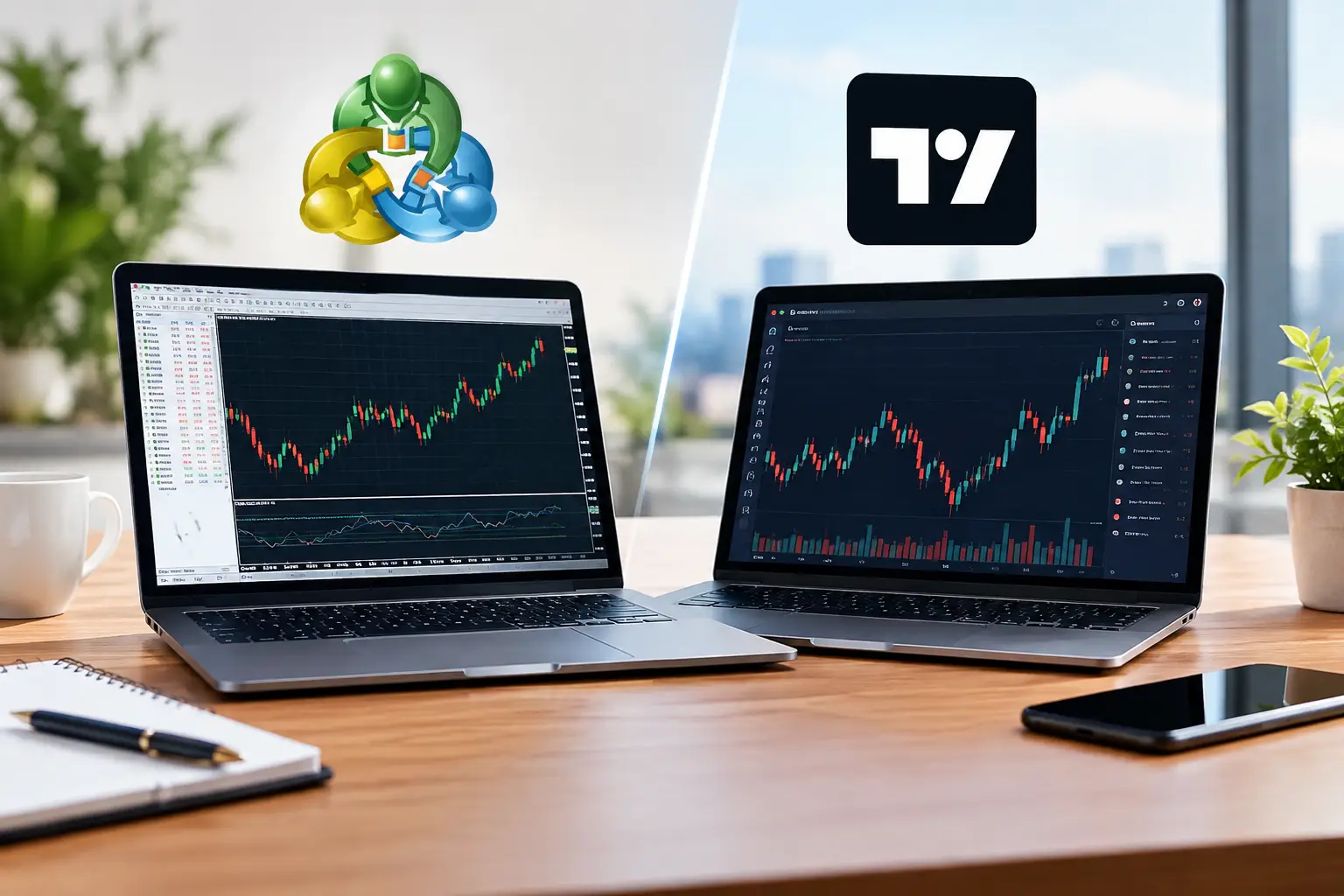
A clean EUR/USD setup can look completely different depending on the screen in front of you. That is why the MT4 vs TradingView forex question is not really about which platform is more popular. It is about whether your platform helps you see a trade clearly, place it reliably, and follow your rules when price starts moving fast.
For many retail traders, MetaTrader 4 remains the familiar execution terminal supplied by their broker. TradingView, meanwhile, has become the charting workspace traders use to study price, test ideas, and follow markets across devices. Both can support forex trading, but they solve different parts of the trading process.
MT4 vs TradingView Forex: The Core Difference
MT4 is first and foremost a trading platform. It was built around broker-connected order execution, account management, technical indicators, and automated trading through Expert Advisors, commonly called EAs. Open a trade, set a stop loss, review your account history, run an EA on a VPS – MT4 is designed for that workflow.
TradingView is first a charting and market-analysis platform. Its charts are visually polished, flexible, and easy to access from a browser or mobile device. You can mark support and resistance, compare several instruments, set alerts, publish ideas, and build indicators or strategies with Pine Script. Depending on your broker and region, you may also be able to connect a brokerage account and trade directly from TradingView.
That distinction matters. A trader who wants to run an automated London-session strategy may see MT4 as essential. A trader who analyzes gold, the U.S. dollar index, EUR/USD, and economic news from several devices may find TradingView much more comfortable.
Charting: TradingView Has the Clear Edge
If your trading begins with technical analysis, TradingView is usually the stronger choice. Drawing tools are smoother, layouts are easier to customize, and switching from a one-hour chart to a five-minute chart feels quick and intuitive. It is particularly useful for traders who build a top-down routine: checking the daily trend, marking four-hour zones, then waiting for an intraday entry.
TradingView also makes multi-market analysis easier. A forex trader can watch GBP/USD alongside DXY, U.S. 10-year yields, gold, and crude oil. That does not automatically create a trade signal, but it helps put currency moves in context. For example, a sharp dollar move after U.S. inflation data may look more meaningful when you can view yields and gold on the same workspace.
MT4 charting is functional rather than elegant. It includes common indicators such as moving averages, RSI, MACD, Bollinger Bands, and Fibonacci tools. Many brokers and independent developers also offer custom indicators. Still, arranging charts, saving templates, and drawing detailed analysis can feel dated.
For a price-action trader who relies on clean charts and frequent alerts, TradingView generally reduces friction. For a trader who only needs EMA, RSI, candlesticks, and an order ticket, MT4 may be enough.
Trade Execution: MT4 Is Still Built for the Job
A great chart does not guarantee great execution. Forex prices, spreads, slippage, swap rates, and available leverage come from your broker, not from the charting platform. This is where many beginners make the wrong comparison.
MT4 connects directly to a broker’s trading server. It displays your balance, margin, open positions, pending orders, and account history in one place. Market orders, limit orders, stop orders, stop loss, and take profit levels are all part of its core design. It is simple, familiar, and supported by a large number of forex brokers.
TradingView can offer direct trading through selected broker integrations, but availability varies. Your preferred broker may not be supported, and the instruments, account types, or order features available through the integration may differ from what the broker offers in its own terminal. Before building your entire routine around TradingView execution, confirm that the connection supports the way you trade.
This is also why some experienced traders use both platforms. They perform analysis and set alerts on TradingView, then place orders on MT4. It is not the most streamlined setup, but it separates charting from execution and lets each platform do what it does best.
Automation and EAs: MT4 Remains Relevant
MT4 remains a serious contender because of its automation ecosystem. Its MQL4 programming language supports EAs, custom indicators, and scripts. There is a huge existing market of tools, ranging from basic trade-management scripts to complex automated systems.
For traders who use an EA, MT4 can be the practical choice. You can host the platform on a virtual private server so the EA keeps running even when your computer is off. This is useful for strategies that monitor multiple pairs or require action during Asian, London, or New York trading hours.
But automation deserves caution. An EA with a polished backtest report is not automatically a profitable system. Spreads can widen, slippage can change results, broker pricing differs, and a strategy can fail when market conditions shift. Be especially careful with systems that use martingale, grid entries, or aggressive position sizing. A smooth equity curve can hide a large potential drawdown.
TradingView supports custom studies and strategy testing through Pine Script. It is excellent for creating alerts based on a precise rule set, such as a moving-average crossover combined with RSI confirmation at a key support level. However, turning a TradingView alert into fully automated forex execution often requires a broker integration or an additional technical setup. That can work, but it is less straightforward than running a mature MT4 EA.
Pricing Data and Broker Differences Matter
One source of confusion in the MT4 vs TradingView forex comparison is pricing. A chart for EUR/USD on TradingView may not match the bid and ask prices shown in MT4 exactly. Different data providers, broker feeds, spreads, and server times can all create small differences.
For longer-term swing trading, those differences may not matter much. For scalpers trading small moves around news releases, they can matter a lot. If you plan to enter and exit based on exact levels, use the price feed closest to where you actually execute trades.
The same rule applies to backtesting. A strategy tested on TradingView data may produce a different result when traded through an MT4 broker account. Treat testing as evidence, not a promise. Forward-test on a demo account or with a small position size before risking meaningful capital.
Mobile Use and Daily Workflow
TradingView is generally more convenient for traders who move between a desktop, laptop, tablet, and phone. Layouts, watchlists, drawings, and alerts are tied to your account, making it easier to continue analysis wherever you are. For busy traders, an alert at a pre-marked zone is often more useful than watching charts all day.
MT4 mobile is capable for monitoring positions and placing orders, but it is less enjoyable for detailed analysis. Drawing and managing complex chart layouts on a phone can feel restrictive. Many traders use it as an execution companion rather than their primary analysis tool.
Your routine should shape the decision. If you scalp actively from a desktop and use EAs, MT4 has a clear place. If you trade four-hour or daily setups around work commitments, TradingView’s alerts and chart organization can help you stay selective instead of chasing every move.
Which Platform Should You Choose?
Choose MT4 if your broker supports it, you want direct forex execution, or you rely on EAs and scripts. It is also a sensible starting point if you are learning order types and want to understand margin, lot size, stop loss, and trade history in the same terminal.
Choose TradingView if chart quality, flexibility, alerts, and multi-market context matter most to your process. It is especially useful for discretionary traders who build setups around market structure, support and resistance, trend lines, and economic events.
For many traders, the answer is not either-or. TradingView can be the analysis desk; MT4 can be the execution terminal. Just avoid turning two platforms into two sources of confusion. Keep one trading plan, one risk rule, and one clear record of every position.
A platform should make disciplined trading easier, not make you trade more often. Start with the workflow you can follow consistently, then let your results – not platform hype – decide what stays on your screen.